The Art of Machinima: Cinema Born Inside the Virtual Grid
Cinema Born Inside the Virtual Grid
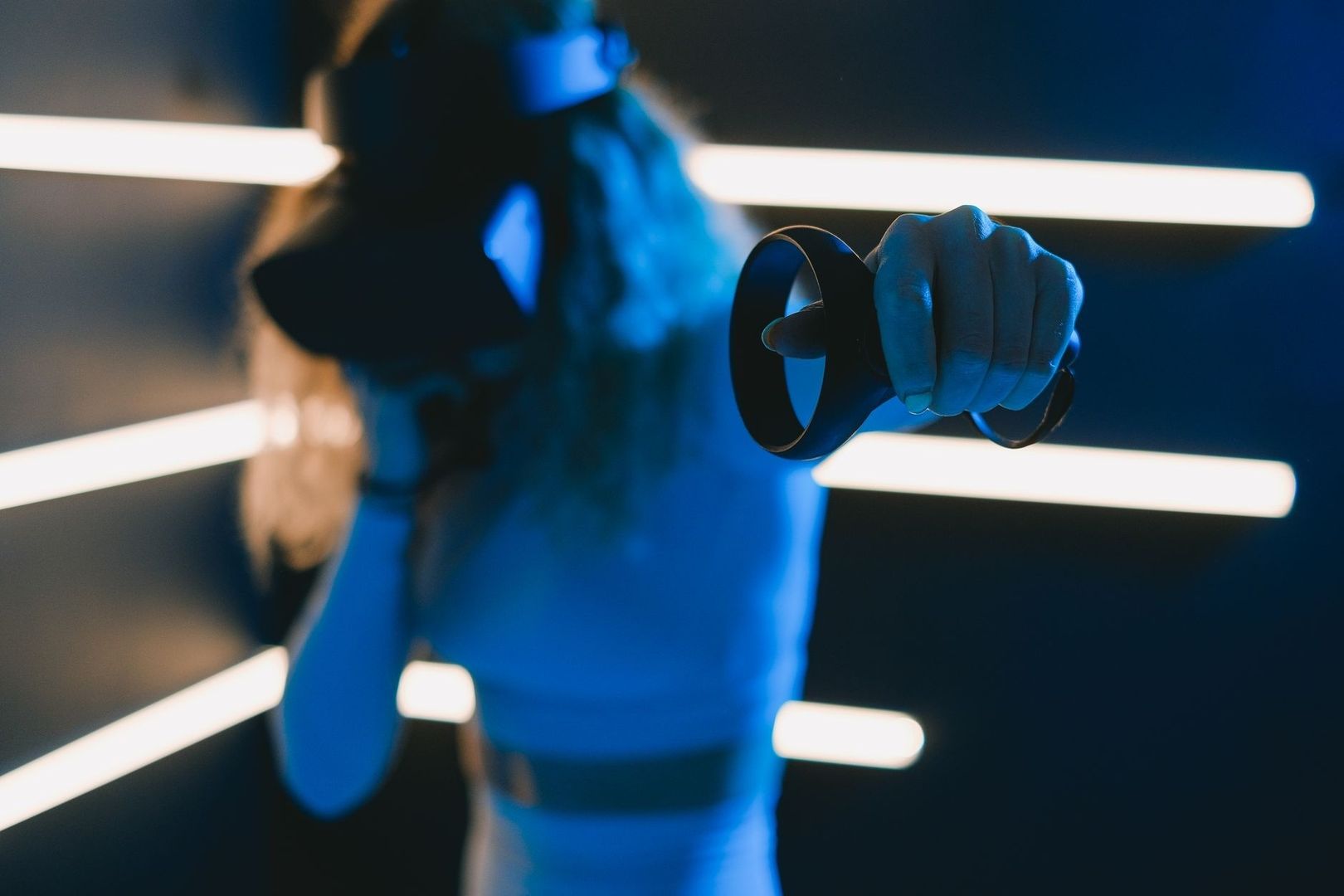
Machinima is filmmaking performed inside a real-time 3D environment, usually a game engine, online platform, or persistent virtual world. Instead of building a physical set, hiring a large crew, and capturing every image with a conventional camera, the filmmaker directs digital characters and virtual spaces while software renders the action. A screen capture becomes the camera department, animation becomes the cast, and an existing digital environment becomes the studio.
What began as a fringe gaming practice has developed into a flexible cinematic language. Early creators worked with limited tools, improvised scripts, and familiar game worlds. Today, independent artists can combine real-time lighting, virtual cinematography, animation libraries, voice performance, and nonlinear editing to create films with a distinctive visual identity. A creator can give an overlooked virtual building a second life, turn an abandoned simulator into a production location, and test a scene repeatedly without constructing, transporting, or discarding physical materials. For filmmakers working with limited money and a strong sustainability ethic, the virtual grid offers less waste, more value, and an unusual degree of creative control.
The Low-Impact Virtual Studio Setup
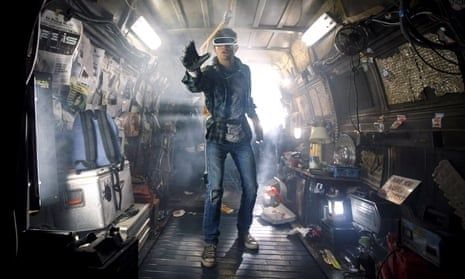
A traditional production leaves a material trail. Sets require timber, paint, plastics, lighting equipment, transport, catering, temporary construction, and eventual disposal or storage. A virtual production does not eliminate energy use, because computers, servers, networks, and rendering systems still consume electricity. However, it can reduce the need for many physical inputs, particularly when a small team is producing a short film, music video, trailer, or experimental work. The same digital location can be redressed, relit, and reused for dozens of scenes without creating a skip full of set waste.
The basic workstation can be assembled from tools that many creators already own. A capable computer, a stable internet connection, headphones, screen-capture software, an editing program, and a reliable storage drive are more important than expensive studio hardware. In Second Life, the machinima tools guide highlights Firestorm as a useful viewer because its derendering functions can hide unwanted objects and avatars. It can also simplify the interface, remove distracting HUDs, and show only selected people, which may improve performance in crowded locations.
An agile virtual workstation benefits from a simple division between production, performance, and post-production tasks. Keep project folders organised before filming, use consistent file names, and record a short test before committing to a full scene. Firestorm or a comparable viewer can manage the frame, while a capture application records the action. Older tools may have limitations, such as low resolution, watermarks, or outdated operating-system support, so test compatibility first. Free editing software can be enough for a finished short, although some programs require transcoding or particular audio formats. Audacity, for example, can help clean dialogue and convert files when an editor handles compressed music poorly.
- Choose one persistent world or engine and learn its camera, lighting, and avatar controls before expanding the toolkit.
- Build a small location library from existing spaces, noting permissions, land rules, time-of-day options, and performance demands.
- Use derendering and visibility controls to remove visual clutter rather than rebuilding an entire environment.
- Record test footage at different graphics settings, then balance image quality against frame rate and computer stability.
- Save duplicate project files and back up raw footage, audio, animation data, and final exports on separate storage.
- Use scripted camera moves, repeatable lighting presets, and shot lists so that revisions do not depend on memory alone.
Avatar Puppetry and Directing Digital Actors
Directing a digital actor is less about asking a performer to move through a physical room and more about choreographing a system of signals. An avatar may be controlled through animation overrides, gesture menus, keyboard commands, puppetry scripts, motion capture, or a combination of methods. The director must consider not only what the character does, but also how the platform translates that action into posture, timing, facial expression, and camera-readable movement.
Physical direction often begins with blocking actors around real architecture. Virtual direction begins with the same dramatic questions, but the answers can be more flexible. A character can walk through a location repeatedly without tiring, appear in several costumes, or perform a movement that would be difficult or unsafe on a set. The trade-off is that digital motion can look weightless or repetitive if it is used without adjustment. Small variations in pauses, head turns, hand gestures, eye lines, and distance between characters are essential. A few carefully chosen imperfections can make an avatar feel less like a menu option and more like a person with intention.
Existing motion captures and open-source pose libraries provide a practical route to nuance without expensive motion-capture suits. Start with a base walk, sit, reach, or conversational pose, then edit the timing and combine it with custom gestures. Voice recording should be completed early enough to guide performance. A director can mark breaths, interruptions, and emotional shifts in the audio timeline, then trigger or trim avatar animations to match those beats. For multi-avatar scenes, block the action in stages: place characters first, record the master movement, capture close-ups separately, and preserve continuity through reference screenshots and a written cue sheet. Voice-driven avatar tools may accelerate talking-head work, but mouth animation can glitch and language support may be limited, so dialogue should always be reviewed frame by frame.
- Record clean dialogue before final animation and label every line with the speaker, scene, and take.
- Create a blocking diagram showing avatar positions, screen direction, entrances, exits, and major gestures.
- Use a master shot to establish timing, then capture close coverage only after the group action is stable.
- Mix stock motion with custom pauses and altered timing to avoid a visibly repeated animation cycle.
- Keep camera height and lens behavior consistent so that digital actors remain spatially believable.
- Reserve close-ups for moments where facial animation and voice quality can withstand scrutiny.
Comparing Production Workflows Virtual Grid vs Traditional Sets
The virtual grid is not automatically greener or cheaper in every situation. A large real-time production can require powerful computers, cloud rendering, specialist staff, and substantial data storage. Nevertheless, for independent work, the ability to reuse assets and locations changes the economics of production. A virtual set can be revised in minutes, while a physical set may require new materials, crew time, transport, or a return visit. The production of Mufasa demonstrates how real-time tools can support rapid iteration at a much larger scale. Its team used Unreal Engine for set construction, lighting, virtual scouting, camera work, and collaboration, with one reported motion-capture workflow saving three to six weeks per scene.
| Production concern | Virtual grid workflow | Traditional physical workflow |
|---|---|---|
| Budget | Lower material and location costs, although software, hardware, and skilled labour still matter | Costs include set construction, permits, transport, crew, equipment, insurance, and location fees |
| Environmental impact | Little or no physical set waste, with energy use concentrated in devices, servers, and storage | Potentially high material use, travel, packaging, construction waste, and disposal demands |
| Location scouting | Digital spaces can be searched, modified, duplicated, and revisited remotely | Physical locations require travel, permissions, access planning, and weather or availability checks |
| Iteration speed | Lighting, camera position, wardrobe, and set dressing can often be changed immediately | Changes may require rebuilding, rescheduling, transporting equipment, or securing the location again |
| Asset life | One environment can serve many stories, provided licensing and platform rules allow reuse | Sets may be dismantled, stored, recycled, or discarded after a limited production period |
From Underground Grids to Prestigious Digital Film Festivals
Machinima has travelled from enthusiast forums and virtual-world communities into broader conversations about animation, digital performance, and virtual production. Its route has not been perfectly linear. Some festivals classify machinima as animation, some as experimental cinema, and others simply as a form of digital filmmaking. The important shift is that synthetic cinematography is increasingly judged by familiar artistic standards: storytelling, editing, composition, sound, performance, and emotional impact.
Festival platforms and screening series create opportunities for work made outside conventional production systems. Eventive listings, for example, include international documentary programs such as Les Ecrans de l’aventure, a long-running festival focused on exploration and diverse environments. Major institutions also demonstrate how digital work can enter prestigious programming, although each festival has its own rules regarding premiere status, runtime, format, and eligibility. The official Sundance Film Festival site should be checked directly for current submission and program information rather than relying on assumptions about categories.
Recognition depends less on the novelty of the tool than on the quality of the finished film. A thoughtful machinima short can sit alongside an animated film or documentary when its creators provide a clear point of view and disciplined craft. Grassroots creators can strengthen their chances by presenting clean subtitles, stable exports, accurate credits, rights documentation, and a concise director statement explaining the virtual production method. Community screenings are equally important. Audiences who understand repurposed digital architecture can become valuable collaborators, testers, critics, and advocates for stories created in spaces that might otherwise be forgotten.
- Research each festival”s definitions, technical specifications, premiere requirements, and rights policies before submitting.
- Prepare a festival package containing a logline, synopsis, still images, trailer, captions, credits, and production notes.
- Show the creative reason for using a virtual world rather than treating the platform as a gimmick.
- Screen early cuts in creator communities to identify pacing, audio, accessibility, and continuity problems.
How to Build Your Own Sustainable Virtual Cinema Today
The central lesson is practical rather than futuristic. Small change, real impact can begin with a decision to use what is already available before acquiring more. An existing avatar, simulator, animation, prop, or camera script may be enough to start a film. The goal is not to pretend that digital production has no footprint, but to reduce material excess, extend the useful life of digital assets, and make creative iteration affordable for people who cannot access a conventional studio.
- Define a contained idea. Choose a short story with a small cast, a limited number of locations, and a clear visual concept.
- Audit available tools. Test the computer, viewer, capture software, editor, audio tools, and storage before production begins.
- Collect reusable assets. Gather permitted environments, poses, props, costumes, textures, and lighting presets, while recording licence information.
- Build a shot list. Plan the master shot, close-ups, camera paths, avatar positions, dialogue cues, and continuity references.
- Record a rough version. Use temporary voices and simple blocking to solve timing and staging problems before polishing the visuals.
- Refine performance and sound. Adjust pauses, gestures, lip movement, room tone, music, and editing rhythm so the digital world serves the story.
- Export, review, and share. Watch the finished file on more than one screen, add captions, correct technical faults, and submit to suitable communities or festivals.
Old virtual platforms do not need to remain digital leftovers. With careful direction, they can become locations, archives, rehearsal rooms, and stages for original cinema. Give those spaces a second life, keep the workflow lean, and let less waste create more room for imagination.