Month: September 2026

Colorful symmetrical sound-wave visualization on a black background
Uncategorised

Spatial Acoustic Design: How Smart Soundscapes Give Virtual Spaces a Second Life

Why Empty Virtual Rooms Need Sound Before More Polygons

Virtual architecture has a familiar paradox. A digital room can contain polished materials, detailed lighting, complex geometry, and carefully modeled furniture, yet still feel abandoned the moment a user enters it. The surfaces may look convincing, but the space feels hollow. There is no sense of distance, activity, enclosure, or life beyond the visible frame. In practical terms, the build is complete while the place remains unfinished.

The usual response is to add more visual assets: denser vegetation, higher-resolution textures, extra props, animated characters, and increasingly demanding lighting effects. That approach can improve appearance, but it also increases production time, download requirements, GPU load, and maintenance costs. A more efficient intervention is often available. Understanding how listeners process sonic reflections helps designers see why neglected platforms can gain purpose through sound before they receive another visual overhaul. Strategic acoustic design can turn static polygons into places that feel inhabited, connected, and emotionally relevant, with a comparatively small digital footprint.
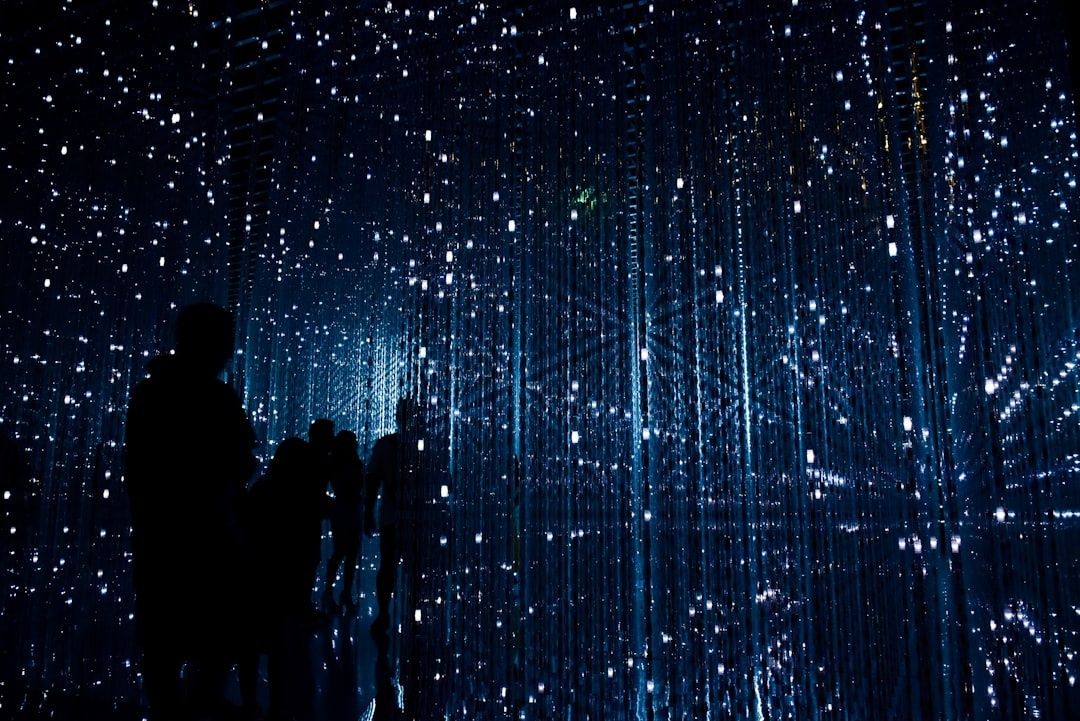
Silhouetted visitors inside a dark, blue-lit digital art installation
Strategic sound can make a finished-looking digital room feel inhabited by revealing distance, activity, and continuity beyond the visible scene.

The Psychoacoustics of Presence and Digital Space

Human presence is not created by vision alone. The brain constantly uses sound to estimate scale, distance, material, movement, and orientation. A distant hum suggests a larger environment beyond the immediate room. A softened reflection indicates absorbent surfaces, while a sharp echo implies hard boundaries and open volume. Even when users do not consciously identify these signals, they use them to test whether a space feels coherent.

This distinction matters because passive background music is not the same as spatial acoustic design. A stereo loop placed over an entire world may establish mood, but it rarely confirms where the listener is. Spatialized sound, by contrast, changes with position, orientation, and sometimes movement. The sound of a fountain becomes louder near its source. Footsteps alter as a user crosses from wood to stone. A doorway changes the acoustic relationship between two rooms. These details create an environmental logic that visual assets alone cannot provide.

Research published in Frontiers in Virtual Reality found that software-based spatial-audio enhancement improved perceived sound quality, immersion, localization, and emotional involvement in VR scenarios. Another controlled study in Frontiers in Robotics and AI reported that an ambient nature soundscape improved presence, realism, involvement, and distraction measures, while movement-triggered footsteps became more useful when synchronization was improved. The lesson is practical: sound should be designed as a responsive layer, not simply added as decoration.

  • Distance cues: volume, high-frequency roll-off, and timing help users judge how far away an event is.
  • Directional cues: binaural rendering and head-related transfer functions help place sources around the listener.
  • Material cues: reverberation and reflection patterns suggest whether a surface is metallic, wooden, fabric-covered, open, or enclosed.
  • Activity cues: footsteps, machinery, voices, wind, and water imply that the environment has processes taking place within it.
  • Continuity cues: overlapping zones connect separate rooms and prevent transitions from feeling like scene changes.

Comparing Spatial Audio Tools with Heavy Visual Reworks

Visual upgrades remain valuable when a space has serious usability problems, unclear navigation, or missing physical landmarks. However, they are not always the best first response to low retention. A new set of high-detail assets may take weeks to model, optimize, test, and distribute. It may also introduce loading delays or performance problems for users on standalone headsets and ordinary mobile hardware. Sound can often address the emotional weakness of a space more directly, especially when the geometry is already functional.

The strongest strategy is not to treat audio as a replacement for good design, but to compare interventions according to their likely return. A few carefully chosen emitters and reverberation zones can make an existing layout feel newly occupied. That is a classic second-life approach: preserve what works, repair the weak point, and avoid replacing an entire system simply because one sensory layer is underdeveloped.

Design factor Heavy visual rework Targeted spatial audio
Development effort Often requires new modeling, texturing, lighting, optimization, and testing Can reuse existing geometry with carefully authored sound assets and zones
Data consumption High-resolution meshes and textures can increase download size substantially Compressed, streamed, or reused audio files can remain comparatively lightweight
Device accessibility Complex scenes may reduce frame rates on lower-power hardware Efficient spatial audio can improve presence without adding significant polygon load
Emotional immersion Improves what users see, but may not explain what lies beyond view Creates atmosphere, activity, distance, and continuity around the listener
Maintenance New assets increase collision, lighting, LOD, and compatibility requirements Audio zones and parameters can often be adjusted without rebuilding the environment

Core Elements of a Sustainable Soundscape Architecture

A convincing virtual soundscape begins with the same broad categories used in ecological soundscape thinking. Geophony describes sounds generated by physical forces such as wind, rain, water, and geological activity. Biophony covers the sounds of living organisms, including birds, insects, animals, and plant-related movement. Anthropony refers to human-generated sound, from conversation and footsteps to tools, vehicles, music, and machinery. The framework is explored in the soundscape ecology guidance from the American Society of Landscape Architects and in the academic work represented by the Principles of Soundscape Ecology.

In a virtual ecosystem, these categories provide a useful design checklist. A digital wetland might combine flowing water, wind through reeds, frogs, distant birds, boardwalk footsteps, and occasional maintenance activity. A futuristic transit hub could balance ventilation, electrical systems, vehicle arrivals, announcements, and the subdued murmur of nearby crowds. The aim is not maximum loudness or constant novelty. It is a layered relationship between sources, with enough variation to suggest an environment that continues beyond the user”s immediate actions.

  • Use geophony for grounding: wind direction, rainfall, water flow, and low environmental rumbles can make broad spaces feel connected to a physical setting.
  • Use biophony for vitality: distant birds, insects, animal calls, or rustling vegetation can give quiet areas a reason to exist without filling them with visible characters.
  • Use anthropony to imply social life: conversations, tools, doors, vehicles, and distant events can suggest occupancy while preserving the user”s freedom to explore.
  • Place localized emitters on structure: fountains, vents, signs, bridges, machinery, and thresholds become acoustic anchors that guide movement naturally.
  • Create reverberation zones: large halls, narrow corridors, outdoor courtyards, and enclosed rooms should each have a distinct acoustic response.
  • Stream audio by parcel or region: larger worlds can load nearby sound layers while fading distant zones, reducing memory pressure and avoiding a single oversized audio mix.

Dynamic reverberation is particularly powerful because it communicates volume without requiring additional geometry. A wide, lightly reflective hall feels larger than a small room with a short decay time, even if both spaces use similar visual assets. Transitions should be gradual where possible. A doorway can blend two acoustic zones, allowing the user to hear the next space before entering it. This creates anticipation and helps the world feel continuous rather than divided into disconnected parcels.

A Practical Workflow for Revitalizing Underused Virtual Spaces

Acoustic restoration works best when treated as a design audit rather than a last-minute sound pass. Begin with the existing environment and identify where the visual model fails to communicate activity, scale, or direction. Walk through the world without music, note abrupt silences, and mark areas that users pass through quickly or never visit. These acoustic voids often reveal a deeper problem: a plaza without a reason to pause, a corridor with no destination, or a social room that looks available but sounds closed.

  1. Audit the silence: map empty areas, confusing transitions, overly uniform ambience, and locations where important landmarks have no acoustic identity. Record the intended purpose of each zone and compare it with the behavior observed in playtests.
  2. Map sound around human circulation: place early sound zones according to how users should move, gather, rest, or discover. A distant sound can pull attention toward a neglected courtyard, while a subtle threshold cue can make a side room feel intentional.
  3. Build a restrained ambient bed: start with a small number of compatible layers, then apply distance attenuation, filtering, looping variation, and priority rules. Avoid constant full-volume sound, which quickly becomes tiring and hides useful details.
  4. Add localized acoustic anchors: attach sources to meaningful structural features such as water, doors, lifts, market stalls, vents, or interactive objects. Give each source a clear radius and a reason to be there.
  5. Calibrate movement-triggered Foley: footsteps, surface impacts, clothing movement, and object handling should respond to user actions with accurate timing. Poor synchronization can weaken presence, while well-timed Foley reinforces weight and physical contact.
  6. Test across devices and listeners: check headphones, speakers, standalone headsets, and different comfort settings. Preserve intelligibility at low volume, provide mute and accessibility controls, and avoid frequencies that become harsh during long sessions.

Testing should measure more than whether users say the sound is pleasant. Ask where they believed a source was located, whether they noticed a new destination, whether the room felt occupied, and whether they stayed longer. The 2025 VR study cited above combined self-reporting with physiological tracking, illustrating the value of examining both conscious judgments and moment-to-moment responses. For everyday production, even simple playtest notes can identify whether a soundscape improves orientation and engagement or merely adds clutter.

Transforming Silent Architecture into Thriving Digital Habitats

Spatial acoustic design is a lean architectural tool with unusually strong cognitive influence. It can communicate distance without extra walls, activity without extra characters, material without extra textures, and atmosphere without a major increase in polygon count. When sound is connected to movement, structure, and changing zones, users receive evidence that the environment is coherent and alive. That evidence can make an overlooked build feel worth revisiting.

The next improvement does not need to be a total rebuild. Choose one neglected room, add a carefully localized source, create a suitable reverberation profile, and test the result with real users. If the space feels more legible, more inhabited, or simply more comfortable to remain in, expand the pattern gradually. Small change, real impact: give existing digital architecture a second life through less waste, more value, and sound that makes every visual decision work harder.
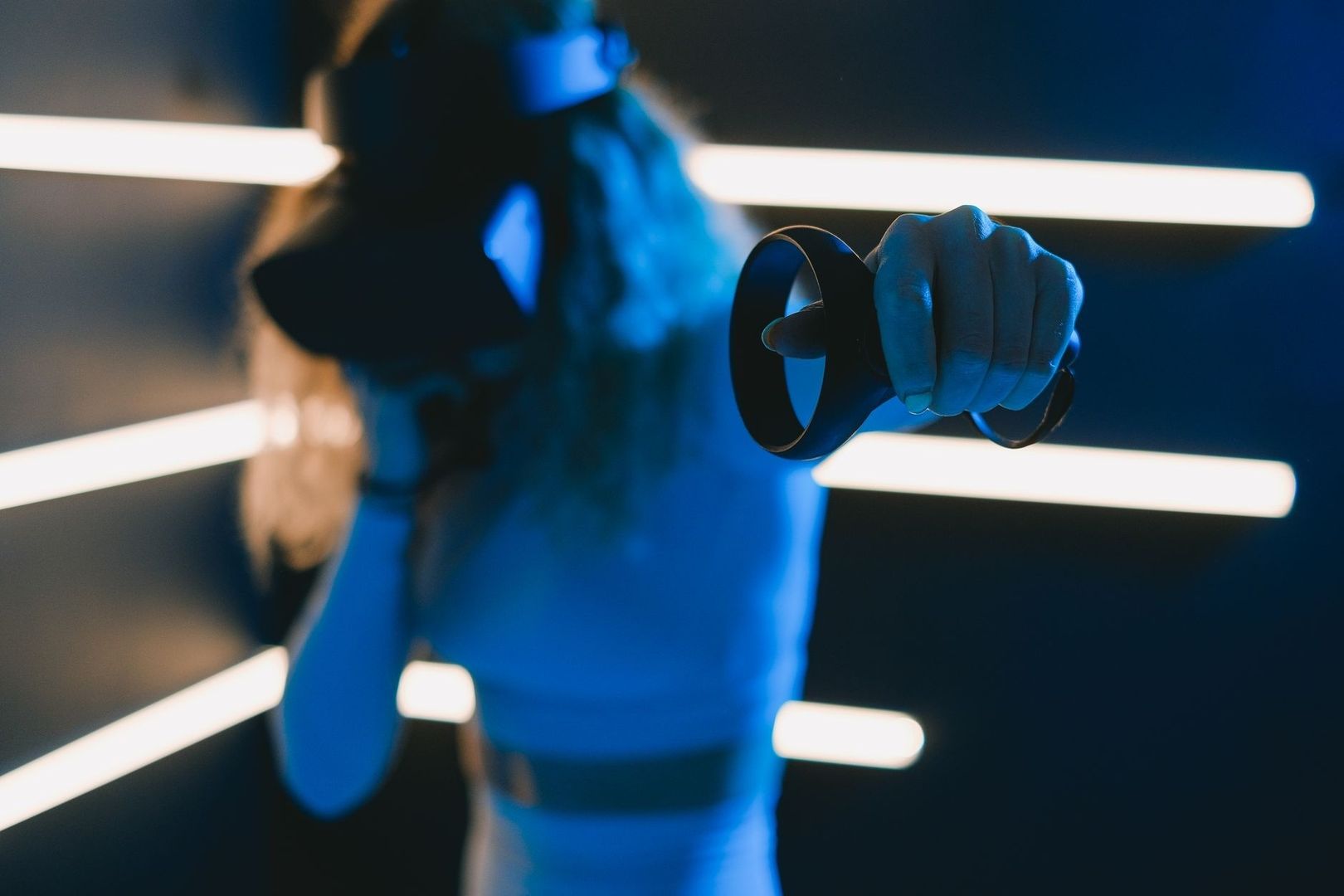
Blue-lit figure holding a virtual-reality controller in a neon grid
Uncategorised

The Art of Machinima: Cinema Born Inside the Virtual Grid

Cinema Born Inside the Virtual Grid

Machinima is filmmaking performed inside a real-time 3D environment, usually a game engine, online platform, or persistent virtual world. Instead of building a physical set, hiring a large crew, and capturing every image with a conventional camera, the filmmaker directs digital characters and virtual spaces while software renders the action. A screen capture becomes the camera department, animation becomes the cast, and an existing digital environment becomes the studio.

What began as a fringe gaming practice has developed into a flexible cinematic language. Early creators worked with limited tools, improvised scripts, and familiar game worlds. Today, independent artists can combine real-time lighting, virtual cinematography, animation libraries, voice performance, and nonlinear editing to create films with a distinctive visual identity. A creator can give an overlooked virtual building a second life, turn an abandoned simulator into a production location, and test a scene repeatedly without constructing, transporting, or discarding physical materials. For filmmakers working with limited money and a strong sustainability ethic, the virtual grid offers less waste, more value, and an unusual degree of creative control.

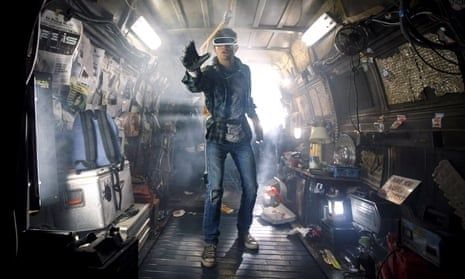
Person in visor standing inside a smoke-filled, equipment-packed vehicle
Virtual filmmaking shifts the director”s focus from physical sets to the design, control, and reuse of digital space.

The Low-Impact Virtual Studio Setup

A traditional production leaves a material trail. Sets require timber, paint, plastics, lighting equipment, transport, catering, temporary construction, and eventual disposal or storage. A virtual production does not eliminate energy use, because computers, servers, networks, and rendering systems still consume electricity. However, it can reduce the need for many physical inputs, particularly when a small team is producing a short film, music video, trailer, or experimental work. The same digital location can be redressed, relit, and reused for dozens of scenes without creating a skip full of set waste.

The basic workstation can be assembled from tools that many creators already own. A capable computer, a stable internet connection, headphones, screen-capture software, an editing program, and a reliable storage drive are more important than expensive studio hardware. In Second Life, the machinima tools guide highlights Firestorm as a useful viewer because its derendering functions can hide unwanted objects and avatars. It can also simplify the interface, remove distracting HUDs, and show only selected people, which may improve performance in crowded locations.

An agile virtual workstation benefits from a simple division between production, performance, and post-production tasks. Keep project folders organised before filming, use consistent file names, and record a short test before committing to a full scene. Firestorm or a comparable viewer can manage the frame, while a capture application records the action. Older tools may have limitations, such as low resolution, watermarks, or outdated operating-system support, so test compatibility first. Free editing software can be enough for a finished short, although some programs require transcoding or particular audio formats. Audacity, for example, can help clean dialogue and convert files when an editor handles compressed music poorly.

  • Choose one persistent world or engine and learn its camera, lighting, and avatar controls before expanding the toolkit.
  • Build a small location library from existing spaces, noting permissions, land rules, time-of-day options, and performance demands.
  • Use derendering and visibility controls to remove visual clutter rather than rebuilding an entire environment.
  • Record test footage at different graphics settings, then balance image quality against frame rate and computer stability.
  • Save duplicate project files and back up raw footage, audio, animation data, and final exports on separate storage.
  • Use scripted camera moves, repeatable lighting presets, and shot lists so that revisions do not depend on memory alone.

Avatar Puppetry and Directing Digital Actors

Directing a digital actor is less about asking a performer to move through a physical room and more about choreographing a system of signals. An avatar may be controlled through animation overrides, gesture menus, keyboard commands, puppetry scripts, motion capture, or a combination of methods. The director must consider not only what the character does, but also how the platform translates that action into posture, timing, facial expression, and camera-readable movement.

Physical direction often begins with blocking actors around real architecture. Virtual direction begins with the same dramatic questions, but the answers can be more flexible. A character can walk through a location repeatedly without tiring, appear in several costumes, or perform a movement that would be difficult or unsafe on a set. The trade-off is that digital motion can look weightless or repetitive if it is used without adjustment. Small variations in pauses, head turns, hand gestures, eye lines, and distance between characters are essential. A few carefully chosen imperfections can make an avatar feel less like a menu option and more like a person with intention.

Existing motion captures and open-source pose libraries provide a practical route to nuance without expensive motion-capture suits. Start with a base walk, sit, reach, or conversational pose, then edit the timing and combine it with custom gestures. Voice recording should be completed early enough to guide performance. A director can mark breaths, interruptions, and emotional shifts in the audio timeline, then trigger or trim avatar animations to match those beats. For multi-avatar scenes, block the action in stages: place characters first, record the master movement, capture close-ups separately, and preserve continuity through reference screenshots and a written cue sheet. Voice-driven avatar tools may accelerate talking-head work, but mouth animation can glitch and language support may be limited, so dialogue should always be reviewed frame by frame.

  • Record clean dialogue before final animation and label every line with the speaker, scene, and take.
  • Create a blocking diagram showing avatar positions, screen direction, entrances, exits, and major gestures.
  • Use a master shot to establish timing, then capture close coverage only after the group action is stable.
  • Mix stock motion with custom pauses and altered timing to avoid a visibly repeated animation cycle.
  • Keep camera height and lens behavior consistent so that digital actors remain spatially believable.
  • Reserve close-ups for moments where facial animation and voice quality can withstand scrutiny.

Comparing Production Workflows Virtual Grid vs Traditional Sets

The virtual grid is not automatically greener or cheaper in every situation. A large real-time production can require powerful computers, cloud rendering, specialist staff, and substantial data storage. Nevertheless, for independent work, the ability to reuse assets and locations changes the economics of production. A virtual set can be revised in minutes, while a physical set may require new materials, crew time, transport, or a return visit. The production of Mufasa demonstrates how real-time tools can support rapid iteration at a much larger scale. Its team used Unreal Engine for set construction, lighting, virtual scouting, camera work, and collaboration, with one reported motion-capture workflow saving three to six weeks per scene.

Production concern Virtual grid workflow Traditional physical workflow
Budget Lower material and location costs, although software, hardware, and skilled labour still matter Costs include set construction, permits, transport, crew, equipment, insurance, and location fees
Environmental impact Little or no physical set waste, with energy use concentrated in devices, servers, and storage Potentially high material use, travel, packaging, construction waste, and disposal demands
Location scouting Digital spaces can be searched, modified, duplicated, and revisited remotely Physical locations require travel, permissions, access planning, and weather or availability checks
Iteration speed Lighting, camera position, wardrobe, and set dressing can often be changed immediately Changes may require rebuilding, rescheduling, transporting equipment, or securing the location again
Asset life One environment can serve many stories, provided licensing and platform rules allow reuse Sets may be dismantled, stored, recycled, or discarded after a limited production period

From Underground Grids to Prestigious Digital Film Festivals

Machinima has travelled from enthusiast forums and virtual-world communities into broader conversations about animation, digital performance, and virtual production. Its route has not been perfectly linear. Some festivals classify machinima as animation, some as experimental cinema, and others simply as a form of digital filmmaking. The important shift is that synthetic cinematography is increasingly judged by familiar artistic standards: storytelling, editing, composition, sound, performance, and emotional impact.

Festival platforms and screening series create opportunities for work made outside conventional production systems. Eventive listings, for example, include international documentary programs such as Les Ecrans de l’aventure, a long-running festival focused on exploration and diverse environments. Major institutions also demonstrate how digital work can enter prestigious programming, although each festival has its own rules regarding premiere status, runtime, format, and eligibility. The official Sundance Film Festival site should be checked directly for current submission and program information rather than relying on assumptions about categories.

Recognition depends less on the novelty of the tool than on the quality of the finished film. A thoughtful machinima short can sit alongside an animated film or documentary when its creators provide a clear point of view and disciplined craft. Grassroots creators can strengthen their chances by presenting clean subtitles, stable exports, accurate credits, rights documentation, and a concise director statement explaining the virtual production method. Community screenings are equally important. Audiences who understand repurposed digital architecture can become valuable collaborators, testers, critics, and advocates for stories created in spaces that might otherwise be forgotten.

  • Research each festival”s definitions, technical specifications, premiere requirements, and rights policies before submitting.
  • Prepare a festival package containing a logline, synopsis, still images, trailer, captions, credits, and production notes.
  • Show the creative reason for using a virtual world rather than treating the platform as a gimmick.
  • Screen early cuts in creator communities to identify pacing, audio, accessibility, and continuity problems.

How to Build Your Own Sustainable Virtual Cinema Today

The central lesson is practical rather than futuristic. Small change, real impact can begin with a decision to use what is already available before acquiring more. An existing avatar, simulator, animation, prop, or camera script may be enough to start a film. The goal is not to pretend that digital production has no footprint, but to reduce material excess, extend the useful life of digital assets, and make creative iteration affordable for people who cannot access a conventional studio.

  1. Define a contained idea. Choose a short story with a small cast, a limited number of locations, and a clear visual concept.
  2. Audit available tools. Test the computer, viewer, capture software, editor, audio tools, and storage before production begins.
  3. Collect reusable assets. Gather permitted environments, poses, props, costumes, textures, and lighting presets, while recording licence information.
  4. Build a shot list. Plan the master shot, close-ups, camera paths, avatar positions, dialogue cues, and continuity references.
  5. Record a rough version. Use temporary voices and simple blocking to solve timing and staging problems before polishing the visuals.
  6. Refine performance and sound. Adjust pauses, gestures, lip movement, room tone, music, and editing rhythm so the digital world serves the story.
  7. Export, review, and share. Watch the finished file on more than one screen, add captions, correct technical faults, and submit to suitable communities or festivals.

Old virtual platforms do not need to remain digital leftovers. With careful direction, they can become locations, archives, rehearsal rooms, and stages for original cinema. Give those spaces a second life, keep the workflow lean, and let less waste create more room for imagination.